Parent guides and classroom learning games for teachers in Australia
Two guides on one page. Parents, start below with how the free games work and our screen-time tips. Teachers, jump to rotation stations, five-minute warm-ups and fast finishers.
02 — Part one: for parents
How the free games work at home
No accounts, no email address, no setup evening. Here is exactly what happens when your child taps a game, and what we do about screen time and privacy.
Here is the short version. Every free game runs in the browser at /app. Your child taps a game, picks easy, medium or hard, and plays. There is no child login for the free games, so nobody has to remember a password to get started.
Stars are saved on the device you play on. Earn stars on the iPad and the stars stay on the iPad. Play on the family laptop later and the stars start fresh there. It is simple, and it means we do not need anything from your child to keep score.
On screen time, short sessions beat long ones. Ten or fifteen minutes of a spelling or times tables game does more than an hour of half-attention. Sit beside your child now and then. You will hear which questions they pause on, and that tells you more than any progress bar.
Try to end on a win. If the last round went badly, drop the level to easy, play one more, then stop. And when you want the screen off, swap it rather than kill it cold. A quick round of Number Zapper instead of another video, then outside.
Safety and privacy, stated plainly: children do not need to log in to play the free games, and progress stars are saved on the device. If you have a question about any of that, email us at support@pineseed.com.au and one of us will answer it.
Not sure which game to pick? Use the Games by Age pages. Choose 5–7, 7–9, 9–11 or 11–13, or go straight to Year 1 through Year 6 if you already know the year level. Then let your child choose the game from there. Choosing it themselves is half the reason they keep going.
03
How we work
A clear path from first conversation to finished work.
Free Learning Games by Age
Age hubs for 5–7, 7–9, 9–11 and 11–13 year olds, plus Year 1 to Year 6 pages, so kids can jump straight to games pitched at the right level. No signup required to play.
Maths Games
Practice across addition, subtraction, multiplication, division, fractions, decimals, shapes, measurement, money, telling the time, word problems and times tables, from counting objects up to early algebra.
English & Literacy Games
Spelling, phonics, sight words, grammar, punctuation and word sorting activities that build reading and writing confidence through short, repeatable rounds.
Science, Geography, History & Trivia
Quizzes and interactive activities covering science concepts and lab experiments, Australian and world geography, history including First Nations topics, and general knowledge trivia.
03 — What's inside
From times tables to First Nations history
The games cover the same subjects your class or your kid is already working through, in short rounds with easy, medium and hard levels.
- Maths — Addition, subtraction, multiplication, division, fractions, decimals, shapes, measurement, money, telling the time, word problems and times tables, from counting objects up to early algebra.
- English and literacy — Spelling, phonics, sight words, grammar, punctuation and word sorting, built as short repeatable rounds so a struggling reader gets another go without a lecture.
- Science, geography, history, trivia — Science concepts and lab experiments, Australian and world geography, history including First Nations topics, and general knowledge trivia for the quiz-mad ones.
- Paint and quick extras — Colour and Learn Paint with animal, garden and sea pictures, plus Memory Match, Spell It and Shopping Maths when you only have five minutes.

We wrote these games for the last five minutes of a lesson and the ten minutes before dinner. That is when a learning game has to load fast, need no login, and stop when you say stop.
Part two: for teachers
Classroom learning games for teachers across Australia
Four ways we see the games used in Australian primary classrooms, plus how to match them to whatever your class is covering this fortnight.
One station in the rotation
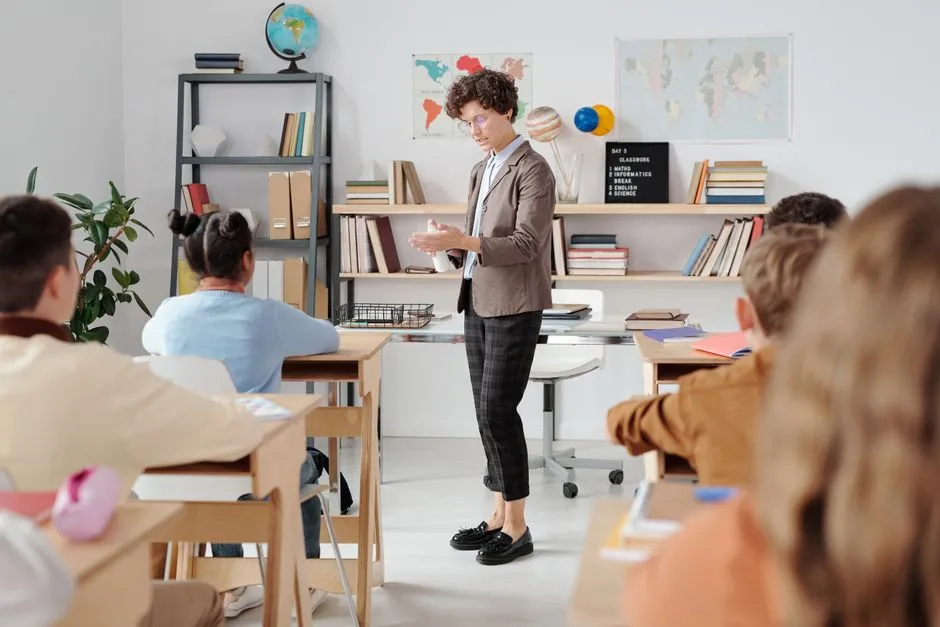
Run the games as a single station while you take a small group. Set the level before students sit down, give them one subject page, and use the round length as your timer. Stars stay on that device, so the same laptop keeps the same tally all week.
The first five minutes
Open a maths or English lesson with one warm-up round on the board or on devices. Easy level, everyone plays, nobody is behind. It gets the room quiet and gets the vocabulary back in their heads before you start the real work.
Something real for fast finishers
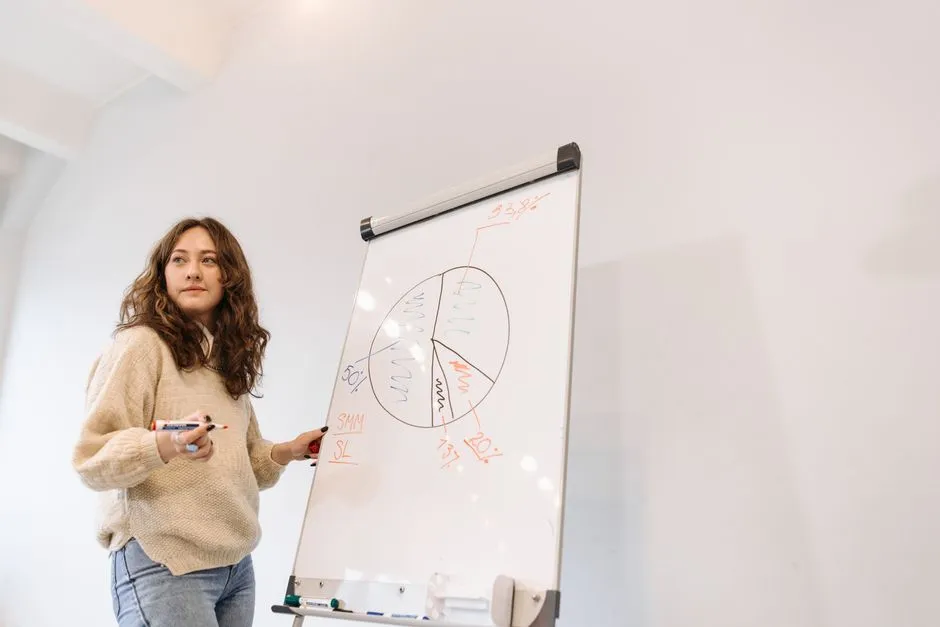
Instead of another worksheet, send early finishers to the subject page you are working on. Medium or hard level keeps it worth doing. There is no login, so they are playing within seconds and not queuing at your desk.
Match the games to your year level
The Games by Age pages split into 5–7, 7–9, 9–11 and 11–13, with Year 1 to Year 6 pages underneath. Pick the page that matches your unit, bookmark it, and hand students that one link rather than the whole site.
Classroom Challenge with class codes
The School Licence adds the Classroom Challenge, where you set a class code and the class plays to a local scoreboard, plus NAPLAN-style practice for Year 3 and Year 5, reading comprehension, Times Tables Master and Daily Quest.
Tell us what your class or your kid needs next
Schools and parents can email us directly. If a game is pitched wrong for your year level, or you want to set up the Classroom Challenge, say so and we will help you sort it.